

⚠️ This entry is tracked in code. Changes made directly in Statamic will not be preserved. It is advised to edit the source code directly instead. This page does not display in the production environment.
This is a test article containing every block type available on news pages. It is used to QA layout and styling across breakpoints.
Heading Level 2
Heading Level 3
Bold text. Italic text. Regular paragraph with a link inside it.
Text Block — visible content. This section is shown before the Read More link. It can contain headings, lists, and other rich text.
Bullet point one
Bullet point two
Test Eyebrow
Column 2 with Image — With Accent Line
Column 2 with Image block with accent line enabled. Title, eyebrow, and text are all present.

No Title — Accent Line Aligns to Eyebrow
Column 2 with Image — accent line with no title, aligns to the eyebrow.
No Title or Eyebrow — Accent Line Aligns to H3
Column 2 with Image — accent line with no title or eyebrow, text starts with an h3.
No Title or Eyebrow — Accent Line Aligns to Paragraph. Column 2 with Image — accent line with no title or eyebrow, text starts with a normal paragraph.
Reversed Columns
Column 2 with Image - Reversed, Accent Line
Same block as above but with columns reversed so the image appears on the left.

Eyebrow 1
Column 2 with Text — With Accent Line
Left column body text. Both columns have independent eyebrow, title, body and CTA.
Eyebrow 2
Right Column
Right column body text.
No Title — Accent Line Aligns to Eyebrow
Column 2 with Text — accent line with no title, aligns to the eyebrow.
Eyebrow 2
Right Column
Right column body text.
No Title or Eyebrow — Accent Line Aligns to H3
Column 2 with Text — accent line with no title or eyebrow, text starts with an h3.
Eyebrow 2
Right Column
Right column body text.
No Title or Eyebrow — Accent Line Aligns to Paragraph. Column 2 with Text — accent line with no title or eyebrow, text starts with a paragraph.
Eyebrow 2
Right Column
Right column body text.
Text Images Eyebrow
Text with Images - With Accent Line (Diagonal)
Text with Images block with accent line enabled. Title, eyebrow, and text are all present.

No Title — Accent Line (Diagonal)
Text with Images — accent line is a diagonal on the image.
No Title or Eyebrow — Accent Line (Diagonal)
Text with Images — accent line with no title or eyebrow, bard starts with an h3.
No Title or Eyebrow — Accent Line (Diagonal). Text with Images — accent line is a diagonal on the image.
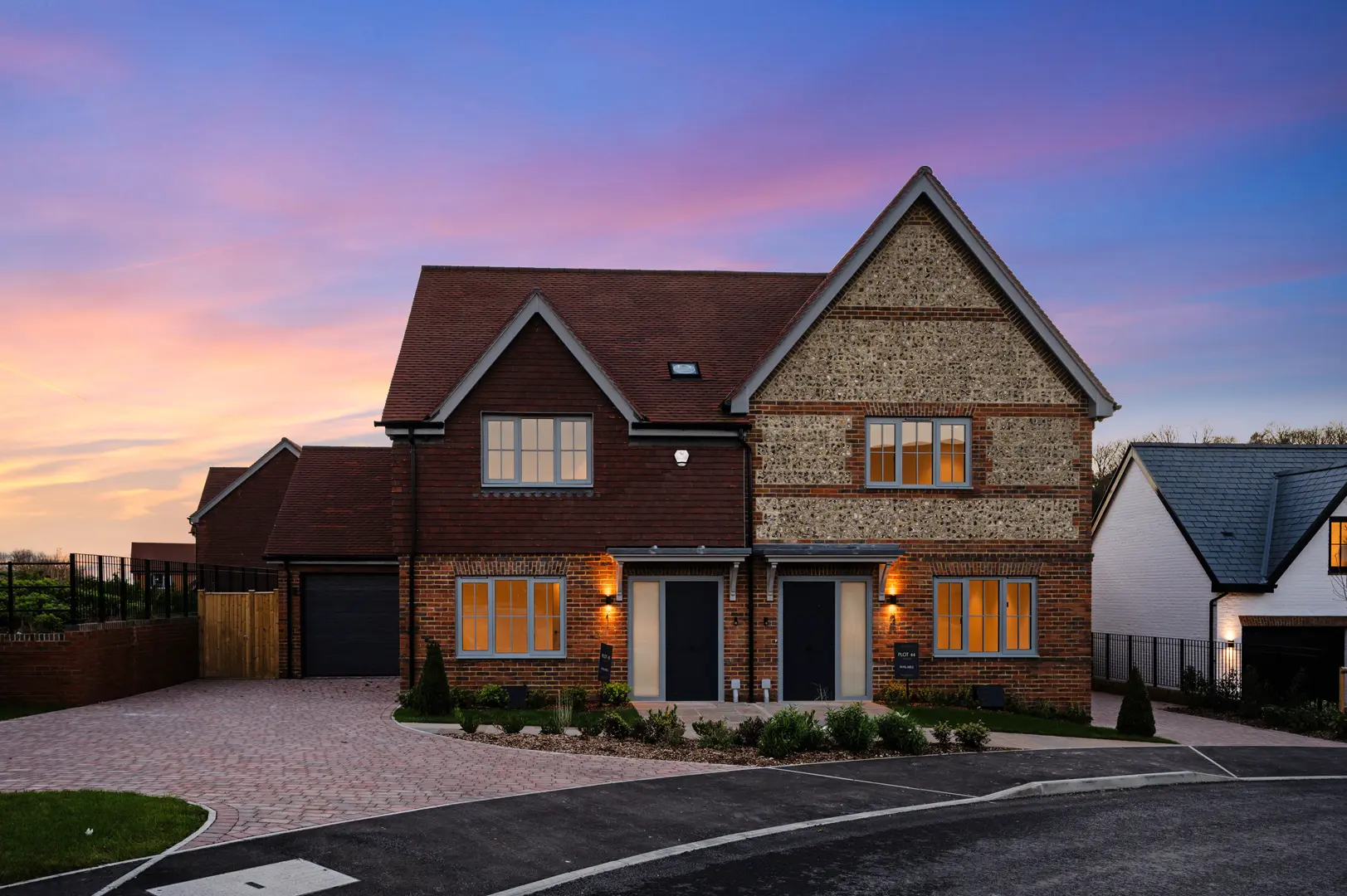
Optional overlay text on image block
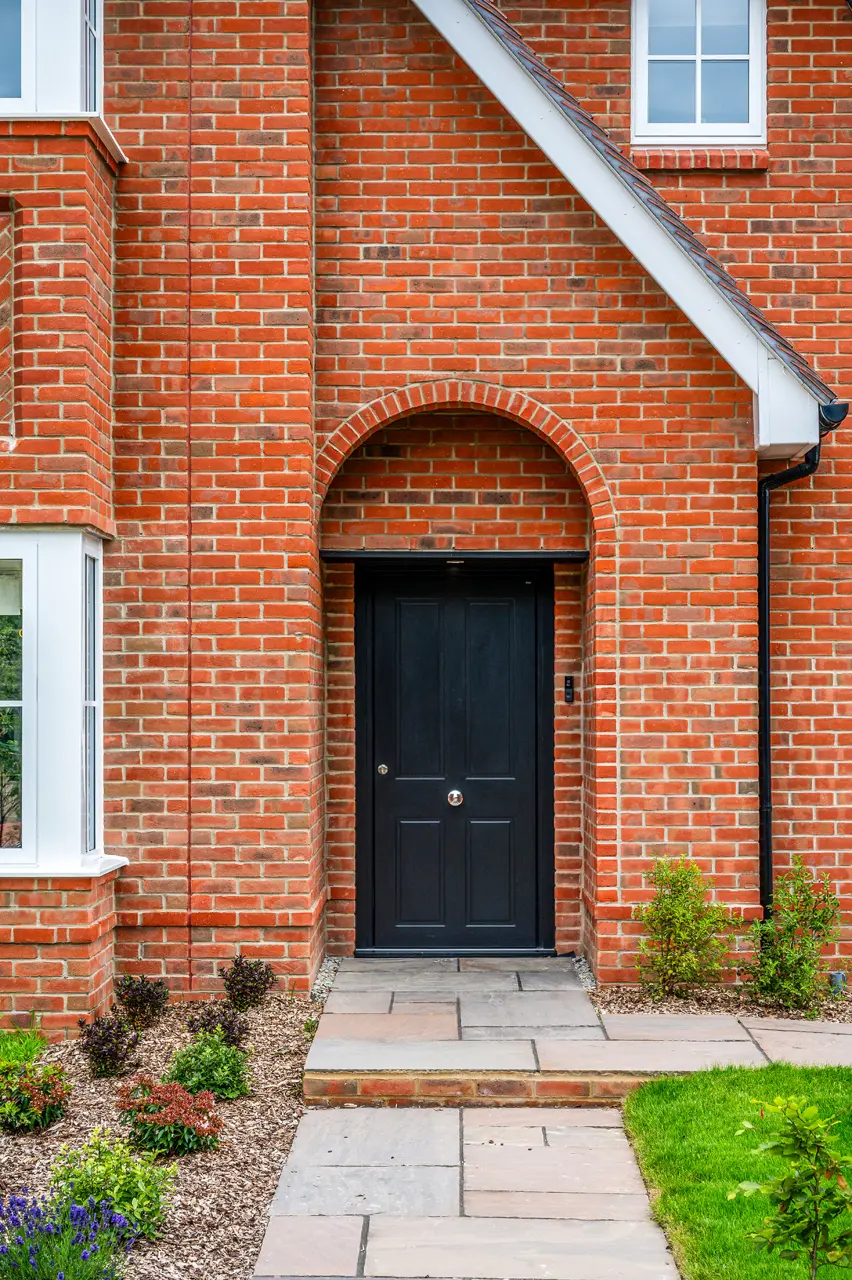


Content Video Block
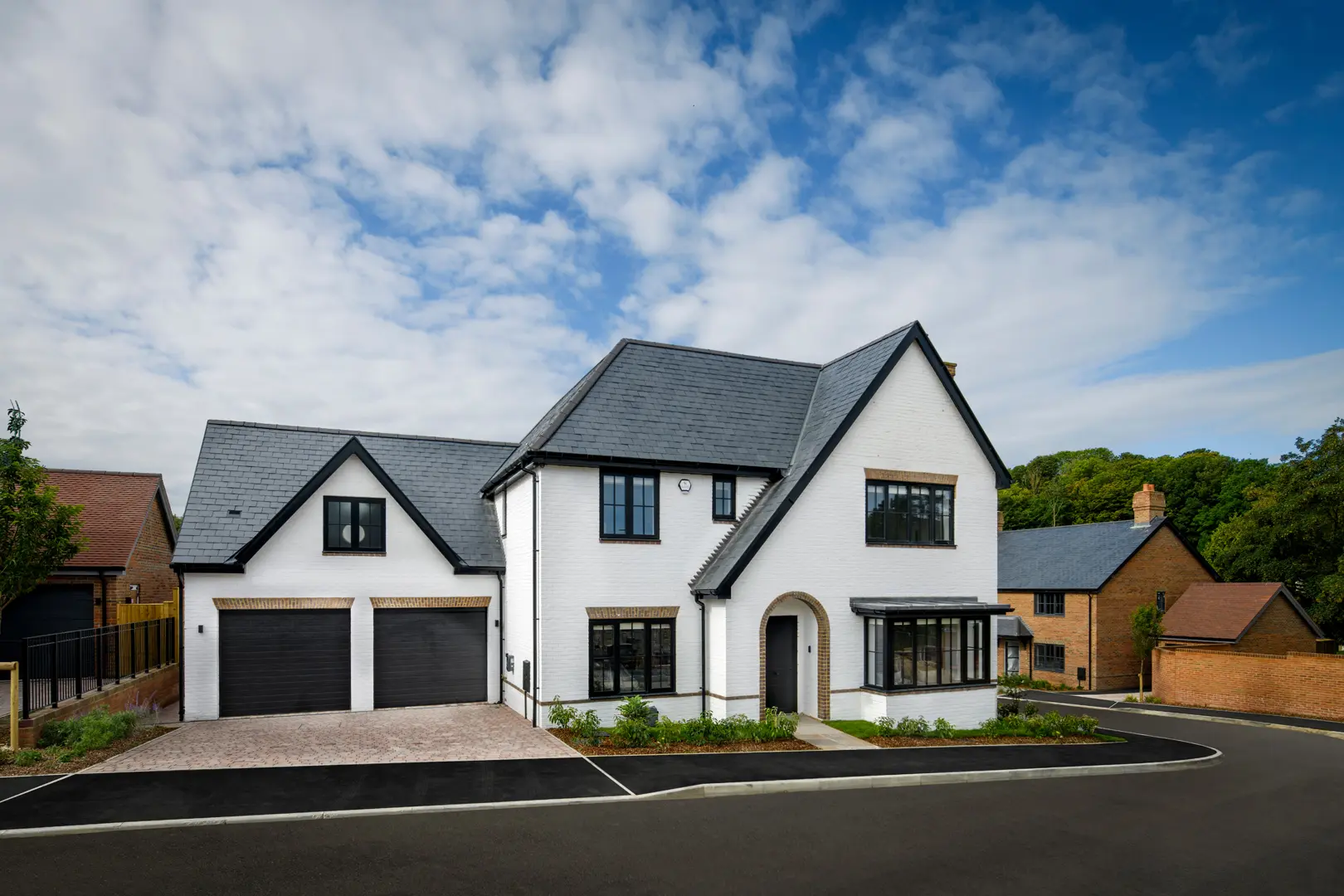
Featured Property Block
Introductory text for the featured property card.
From
£1,500,000
Blog CTA Block
This CTA block can appear in light, faded or dark colour variants and supports either a button link or a full card link.

Register Your Interest
Step 1 of 2