






⚠️ This entry is tracked in code. Changes made directly in Statamic will not be preserved. It is advised to edit the source code directly instead. This page does not display in the production environment.
This is a test page containing every block type available on pages. It is used to QA layout and styling across breakpoints.
Text Block — visible content. This section is shown before the Read More link.
Bullet point one
Bullet point two
Test Eyebrow
Column 2 with Image - With Accent Line
Column 2 with Image block with accent line enabled. Title, eyebrow, and text are all present.

No Title - Accent Line Aligns to Eyebrow
Column 2 with Image — accent line with no title, aligns to the eyebrow.
No Title or Eyebrow - Accent Line Aligns to H3
Column 2 with Image — accent line with no title or eyebrow, text starts with an h3.
No Title or Eyebrow - Accent Line Aligns to Paragraph. Column 2 with Image — accent line with no title or eyebrow, text starts with a normal paragraph.
Reversed Columns
Column 2 with Image - Reversed, Accent Line
Same block with columns reversed so the image appears on the left. Accent line is hidden on desktop when reversed.

Text Images Eyebrow
Text with Images - With Accent Line (Diagonal)
Text with Images block with accent line enabled. Title, eyebrow, and text are all present.

No Title — Accent Line (Diagonal)
Text with Images — accent line is a diagonal on the image.
No Title or Eyebrow — Accent Line (Diagonal)
Text with Images — accent line is a diagonal on the image.
No Title or Eyebrow — Accent Line (Diagonal). Text with Images — accent line is a diagonal on the image.
Eyebrow 1
Column 2 with Text - With Accent Line
Left column body text. Both columns have independent eyebrow, title, body and CTA.
Eyebrow 2
Right Column
Right column body text.
No Title - Accent Line Aligns to Eyebrow
Column 2 with Text — accent line with no title, aligns to the eyebrow.
Eyebrow 2
Right Column
Right column body text.
No Title or Eyebrow - Accent Line Aligns to H3
Column 2 with Text — accent line with no title or eyebrow, text starts with an h3.
Eyebrow 2
Right Column
Right column body text.
No Title or Eyebrow - Accent Line Aligns to Paragraph. Column 2 with Text — accent line with no title or eyebrow, text starts with a paragraph.
Eyebrow 2
Right Column
Right column body text.

Video Eyebrow
Column 2 with Video - With Accent Line
Column 2 with Video block with accent line enabled. Title, eyebrow, and text are all present.
No Title - Accent Line Aligns to Eyebrow
Column 2 with Video — accent line with no title, aligns to the eyebrow.
No Title or Eyebrow - Accent Line Aligns to H3
Column 2 with Video — accent line with no title or eyebrow, text starts with an h3.
No Title or Eyebrow - Accent Line Aligns to Paragraph. Column 2 with Video — accent line with no title or eyebrow, text starts with a normal paragraph.
Reversed Columns
Column 2 with Video - Reversed, Accent Line
Same block with columns reversed so the video appears on the left. Accent line is hidden on desktop when reversed.
“This is a blockquote used to highlight a key statement or testimonial.”
Test Author

Optional overlay text on image block
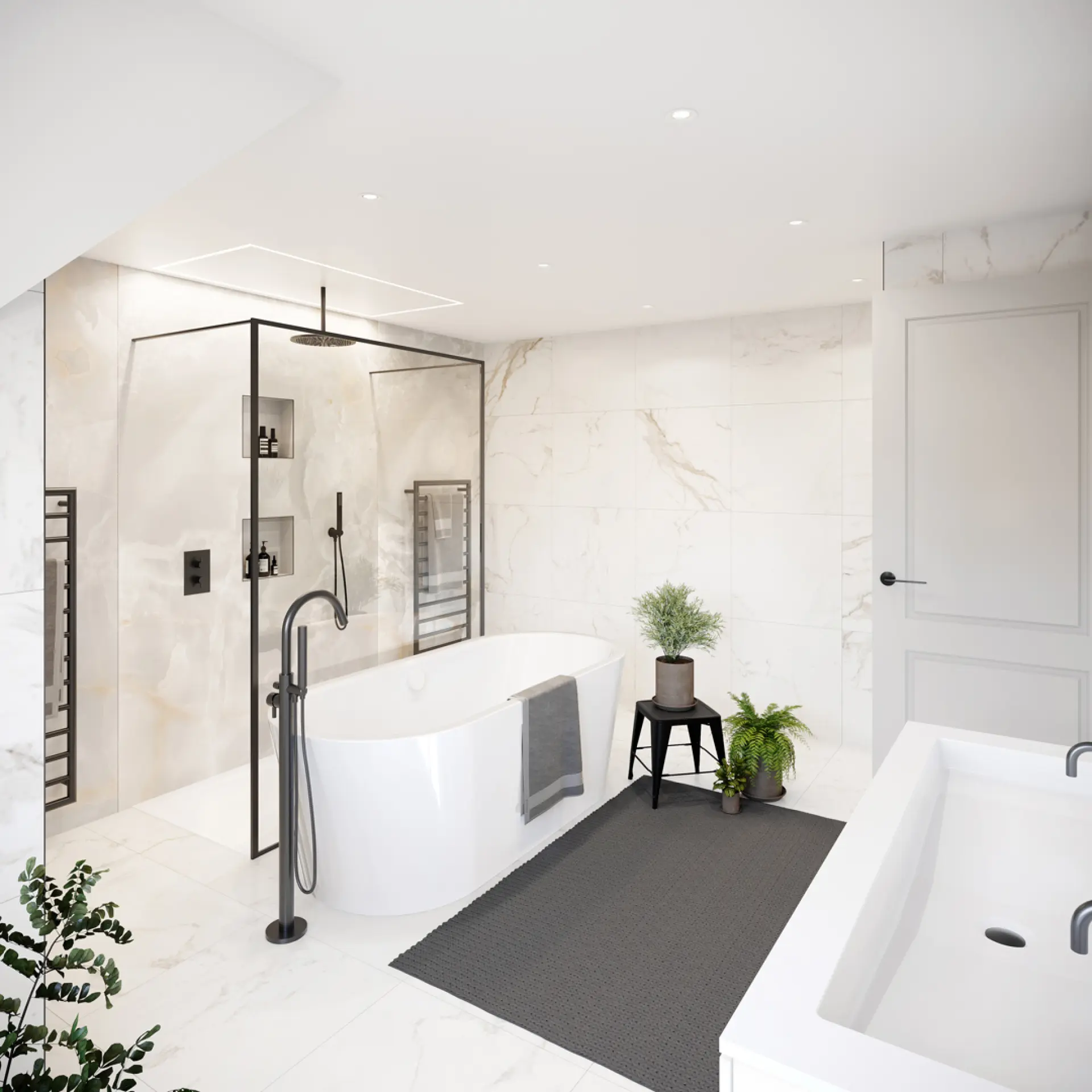

Full width image block with optional overlay text. The image spans the entire content width.
Content Video Block
WELCOME BROOKWORTH HOMES
Homepage Intro - With Accent Line
Homepage Intro block with accent line enabled. Title, eyebrow, and text are all present.
Experience the Brookworth Difference
No Title — Accent Line (Fixed Position)
Homepage Intro — accent line is a fixed horizontal line, not aligned to any text element.
Experience the Brookworth Difference
No Title or Eyebrow — Accent Line (Fixed Position)
Homepage Intro — accent line is a fixed horizontal line, not aligned to any text element.
Experience the Brookworth Difference
No Title or Eyebrow — Accent Line (Fixed Position). Homepage Intro — accent line is a fixed horizontal line, not aligned to any text element.
Experience the Brookworth Difference
The Brookworth Difference
Design & Inspiration
Design and Inspiration block — a full-width editorial panel combining a large image with rich text and optional CTA buttons. Typically used to highlight the quality and character of Brookworth homes.
Developments Block — displays a curated list of development cards. Select specific developments or leave empty to show all.


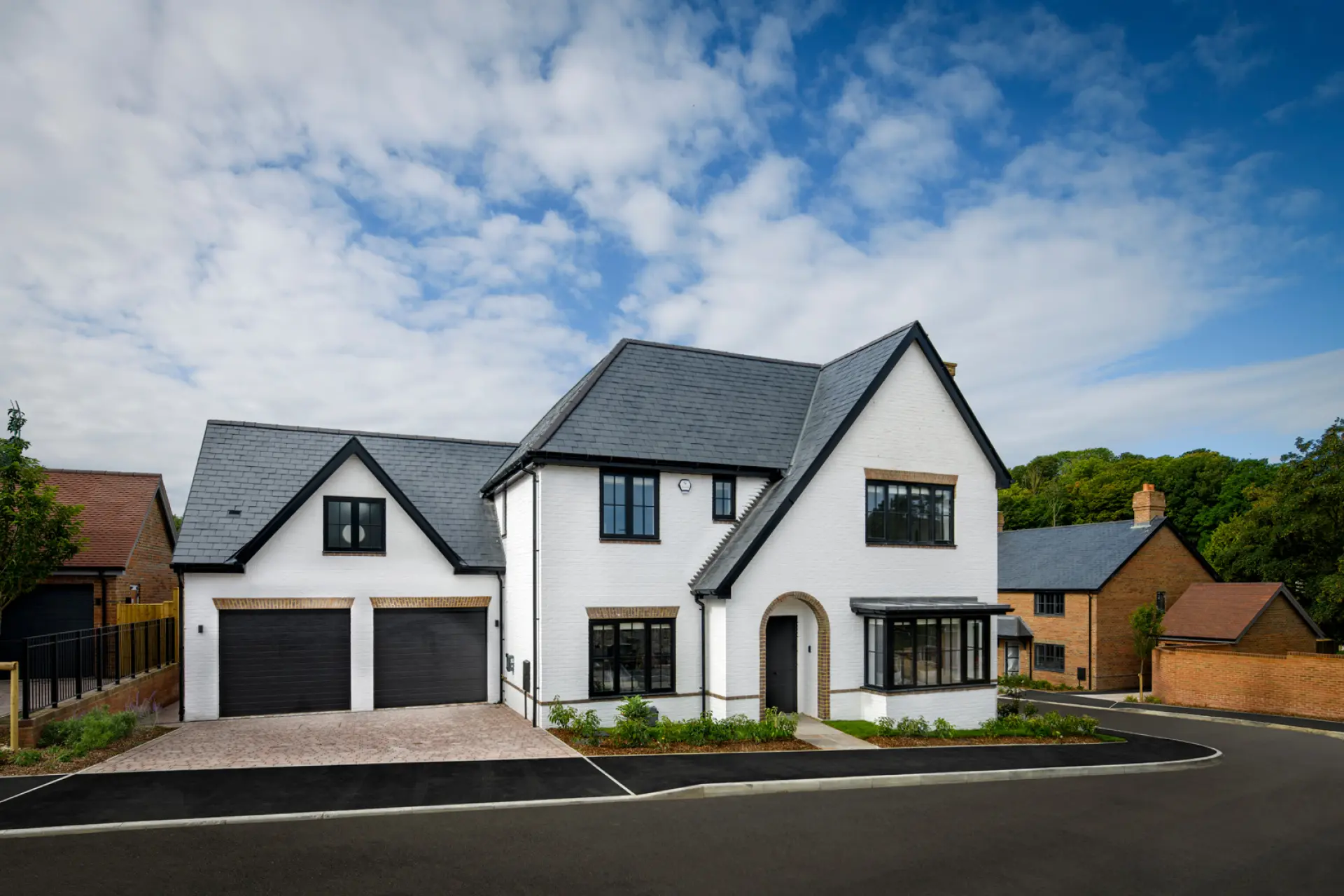
Featured Property Block
Featured Development block — showcases a single development with a large image, custom price text and introductory copy.
From
£1,500,000FAQs
What is the FAQ block?
The FAQ block renders an expandable accordion of question and answer pairs. Each item has a title and rich text content field.
Can I add multiple FAQ items?
Yes — any number of FAQ items can be added. They render as an accordion so all items are visible in the navigation but collapsed by default.
Latest News & Updates


Get in Touch
Blog CTA Block
This CTA block can appear in light, faded or dark colour variants and supports either a button link or a full card link.
Register Your Interest
Step 1 of 2